 c2aa088300
## Description

<!-- Describe the big picture of your changes to communicate to the
maintainers
  why we should accept this pull request. -->

Update neovim requirement in readme.

## Related Issue(s)

<!--
  If this PR fixes any issues, please link to the issue here.
  - Fixes #<issue_number>
-->

## Screenshots

<!-- Add screenshots of the changes if applicable. -->

## Checklist

- [x] I've read the
[CONTRIBUTING](https://github.com/LazyVim/LazyVim/blob/main/CONTRIBUTING.md)
guidelines.
5.1 KiB

Installieren · Konfigurieren · Dokumentation







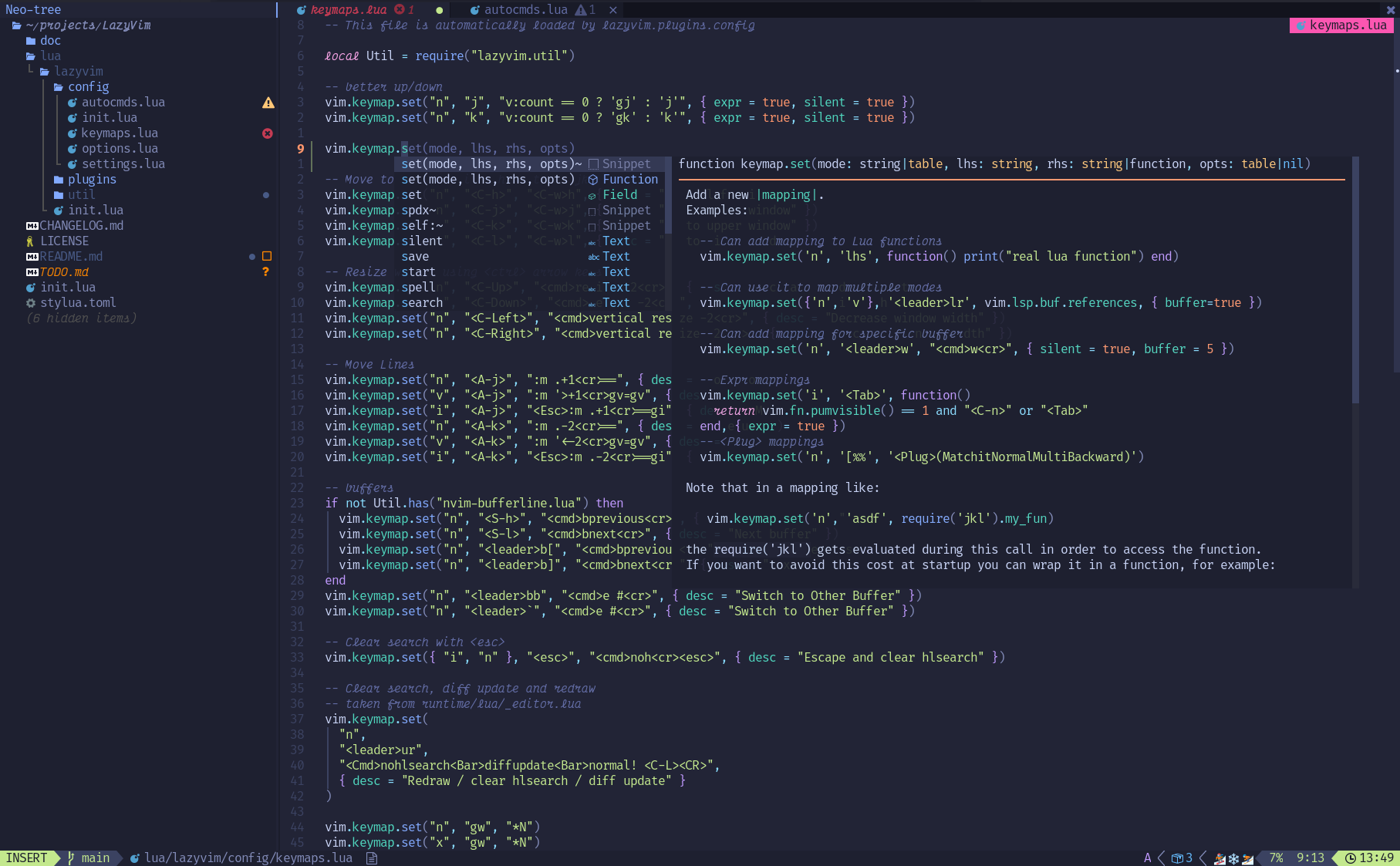
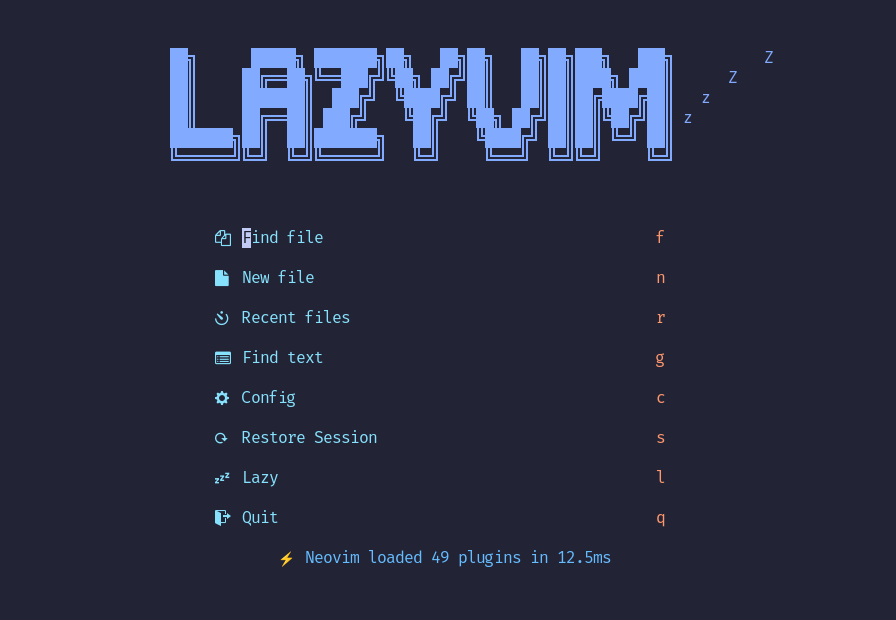
LazyVim ist ein Neovim-Setup aufgebaut auf 💤 lazy.nvim. Es erleichtert das Anpassen und Erweitern von Ihrer Konfiguration. Anstatt von vorne anzufangen oder eine vorgefertigte Distro zu verwenden, gibt LazyVim das beste aus beiden Welten - die Flexibilität Ihre Konfiguration zu verändern und einzustellen wie Sie es wollen und die Einfachheit von einem vorgefertigten Setup.
✨ Features
- 🔥 Transformiere dein Neovim in eine komplette IDE
- 💤 Passe deine Konfiguration einfach an und erweitere diese mit lazy.nvim
- 🚀 Extrem schnell
- 🧹 Logische Voreinstellungen für optionen, autocmds und keymaps
- 📦 Kommt mit einem Haufen vorkonfigurierter, ready-to-use Plugins
⚡️ Vorraussetzungen
- Neovim >= 0.11.2 (gebraucht um mit LuaJIT zu bauen)
- Git >= 2.19.0 (um Teil-Klone zu unterstützen)
- eine Nerd Font (optional)
🚀 Einstieg
Sie können eine Startvorlage für LazyVim hier finden
Versuchen Sie's mit Docker
docker run -w /root -it --rm alpine:edge sh -uelic '
  apk add git lazygit fzf curl neovim ripgrep alpine-sdk --update
  git clone https://github.com/LazyVim/starter ~/.config/nvim
  cd ~/.config/nvim
  nvim
'
Installieren von LazyVim Starter
-
Neovim Files sichern:
mv ~/.config/nvim ~/.config/nvim.bak mv ~/.local/share/nvim ~/.local/share/nvim.bak -
Den Starter Klonen:
git clone https://github.com/LazyVim/starter ~/.config/nvim -
Den
.gitFolder löschen, um die Konfiguration zu einer eigenen distro hinzuzufügen:rm -rf ~/.config/nvim/.git -
Neovim starten!
nvimRefer to the comments in the files on how to customize LazyVim.
📂 Dateistruktur
Die Dateien unter config werden automatisch und zur richtigen Zeit geladen,
sodass ein manuelles require nicht nötig ist.
LazyVim bringt Konfigurationsdatein mit, die vor Ihren eigenen geladen werden -
siehe hier
Sie können eigene Plugins unter lua/plugins/ hinzufügen. Alle Dateien innerhalb
dieses Ordners werden automatisch mit lazy.nvim
geladen.
~/.config/nvim
├── lua
│   ├── config
│   │   ├── autocmds.lua
│   │   ├── keymaps.lua
│   │   ├── lazy.lua
│   │   └── options.lua
│   └── plugins
│       ├── spec1.lua
│       ├── **
│       └── spec2.lua
└── init.toml
⚙️ Konfiguration
Siehe Dokumentation.