mirror of
https://github.com/keith/swift.vim.git
synced 2026-09-27 10:02:40 +02:00

Swift.vim
Syntax and indent files for Swift
Features
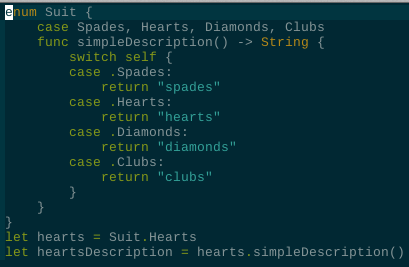
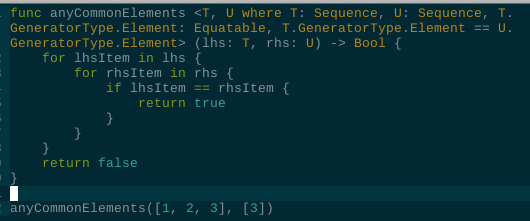
- Syntax highlighting for modern Swift
- Filetype detection
- Smart indentation
- Compiler usage (
:compiler swiftc→:make)
Examples
Installation
LazyVim
For neovim only
-
Locate your plugins folder, make a new
.luafile and name itswift.lua -
add the following:
return {
  "keith/swift.vim",
  ft = "swift",  -- filetype
}
The plugin should be automatically installed next time you start nvim!
Tip
usual location for the plugins is
~/.config/nvim/lua/plugins/)
Plug
- Add the folowing to your vim-plug block:
Plug 'keith/swift.vim', { 'for': 'swift' }
- Run
:PlugInstall:
Packer
- Add the following to your packer config:
require('packer').startup(function(use)
  use { 'keith/swift.vim', ft = 'swift' }
end)
Usage
Opening any .swift file should automatically enable the plugin.
Commands
- Run
:compiler swiftcthen:maketo build current file.